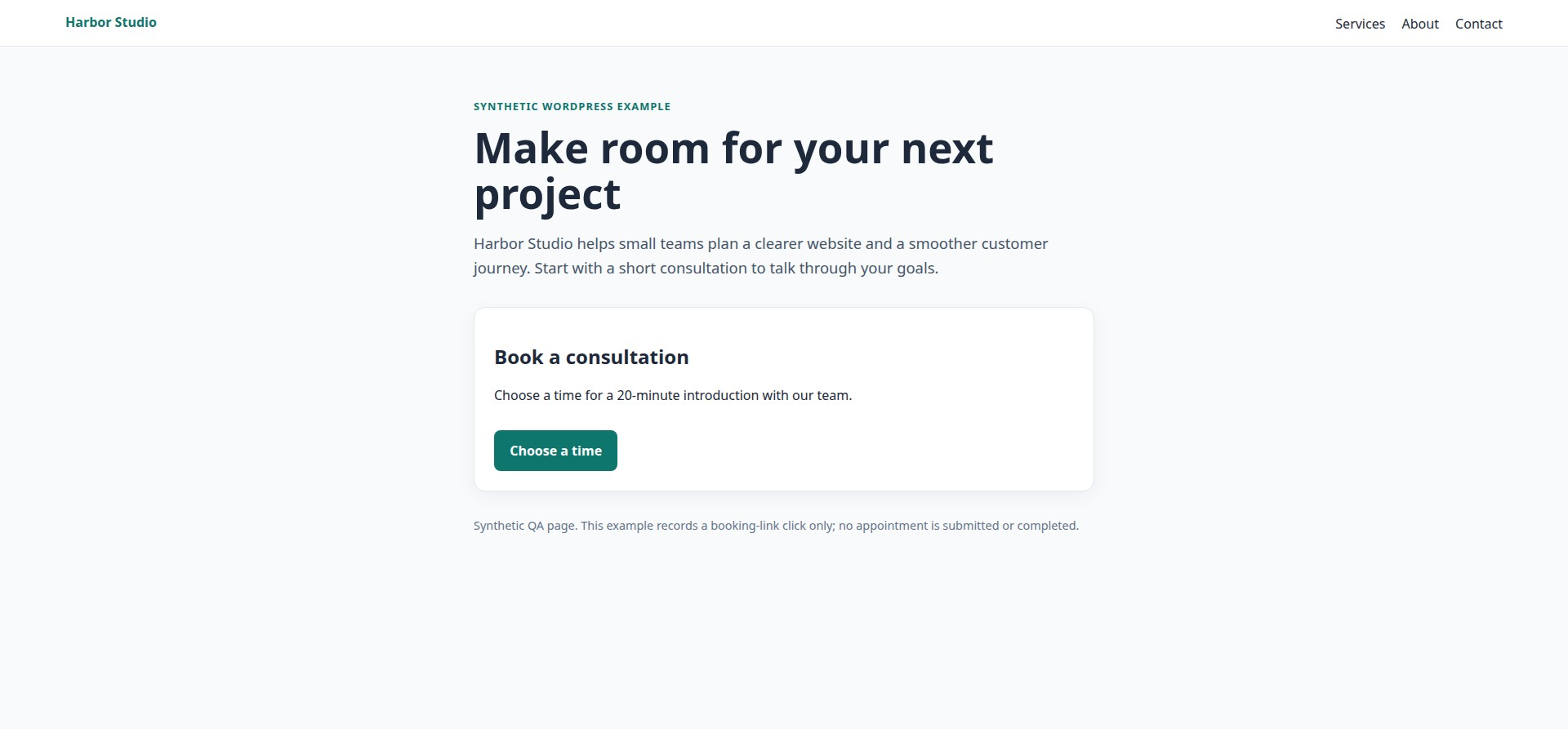
A visitor reaches your WordPress site, reads about a service, then chooses a time on Calendly or Cal.com. The scheduling page is on another website, so a normal pageview on your site does not show who clicked through.
Hitsteps can record a supported outbound-link click and show the booking destination in the external-links report, alongside the visitor context available to your account. For campaign context, check the visitor’s recorded first-touch campaign separately in UTM Campaigns.
Connect Hitsteps to WordPress
Install and activate the free Hitsteps Web Analytics plugin from Plugins → Add Plugin in your self-hosted WordPress dashboard. Open Settings → Hitsteps and connect the site to your Hitsteps account. The existing WordPress install guide covers these steps.
Add a regular booking link
Add your appointment URL as a normal link or button on the service page. For example:
Button label: Choose a time
Example destination, to replace with your own: https://cal.com/your-practice/intro-call
A link to a service such as Calendly or Cal.com is external because it takes the visitor to another domain.
Bring campaign context to the click
Tag the link you share in a newsletter or social post with your usual campaign parameters. For example, a tagged link to your service page might include utm_source=hst_facebook, utm_medium=facebook and utm_campaign=spring-consultations.
To check a test visit, start with a fresh visitor identity, open the tagged page, and click the booking link once. In Hitsteps, choose Referral → Exit Link Activity and find the booking destination. Set a date range that includes your test.
Then choose Referral → UTM campaigns → Acquisition → Campaign. Use the same date range, open the campaign row, and check its attributed visitors. This shows the campaign’s first-touch visitors; it does not count booking-link clicks. The click and campaign reports describe separate parts of the visit.
Test the link style you use, especially if a page builder or menu adds custom click behavior.
Treat a click and a booking as different outcomes
An outbound click shows that the visitor selected the booking link. It does not confirm that the scheduling page loaded, that the visitor chose a time, or that an appointment was completed.
Use your booking service’s confirmation or conversion report for completed appointments. Compare those results with Hitsteps’ click and campaign context to see where people leave your site to book.
Next step: Install the free Hitsteps WordPress plugin and test one booking link on your service page.