Maintained for real websites
Hitsteps has kept evolving across website platforms, browser changes, analytics shifts, and store workflows.
Hitsteps integrations
Install Hitsteps wherever your website already lives. Choose your platform and follow a focused setup guide for live analytics, visitor profiles, chat, Segments, and uptime-aware monitoring from one Hitsteps account.
Quick start
Create a Hitsteps account or open your existing account, then add the site you want to track.
Most plugins need the API key. Manual installs usually need the full JavaScript tracking code.
Open your dashboard and visit your website. Your online visitor should appear without waiting for a batch report.
Why install Hitsteps
Free analytics tags are useful for reports. Hitsteps is for the moment after installation when you need live visitor identity, behavior context, chat, uptime awareness, and a clear next action.
After setup, visit your website and confirm your own session in the live dashboard instead of waiting for delayed reporting.
Use visitor profiles, referrers, heatmaps, pages, campaigns, devices, and returning visitor history in one place.
Bring live chat, Segment notifications, uptime checks, and desktop/mobile workflows close to the team using the data.
Use it when you need live visitor context, practical installation routes, and action tools around the traffic you already have.
Hitsteps has kept evolving across website platforms, browser changes, analytics shifts, and store workflows.
WordPress, Shopify, Wix, Google Tag Manager, HTML, CMS, commerce, browser, and desktop setup paths are documented from one hub.
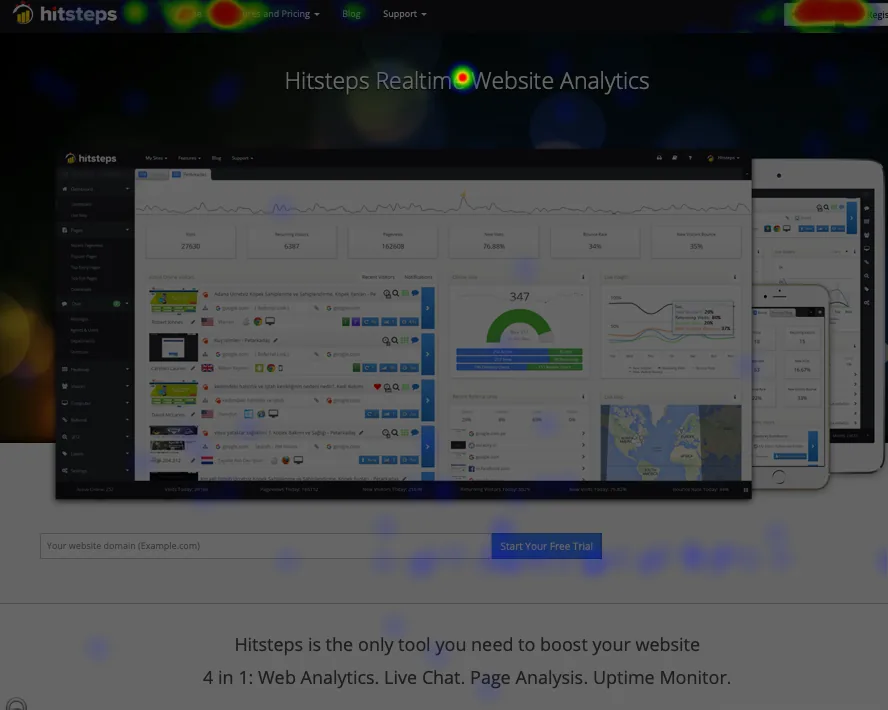
Live dashboard, visitor profiles, heatmaps, chat, Segments, uptime, reports, and alerts stay connected after tracking is installed.


Setup guides
Each guide explains what to copy, where to paste it, and how to confirm Hitsteps is receiving data.

Install from your WordPress admin, add the API key, and see live visitors, Search Console performance, and visitor context from your dashboard.

Connect Hitsteps with your Shopify store, live visitor activity, ecommerce insights, and chat tools.

Download the Joomla package, enable the plugin, and add your Hitsteps API key.
Add Hitsteps through a GTM tag template when you prefer not to edit your site templates.

Paste the Hitsteps tracking code before the closing body tag of your pages or shared footer.

Connect MCP-compatible assistants to Hitsteps analytics, sites, uptime, alerts, goals, Mentions, and chat tools with scoped OAuth access.

Connect Hitsteps to Grafana Infinity, import the dashboard JSON, and explore aggregate traffic, Segments, Funnels, and more.

Connect through the Wix app for automatic setup, billing, and reinstall repair, with HTML embed available as a fallback.

Keep your team online for chat, quick dashboard access, and desktop notifications.

A desktop overview app for live activity, chat, and Segment notifications.

A macOS menu bar companion for Hitsteps overview and real-time notifications.

Keep live visitors, alerts, and website analytics with you on iPhone, iPad, and Android.

Install the module, paste your API key, and start tracking your store visitors.

Add Hitsteps with a Blogger HTML/JavaScript gadget that appears on your blog layout.

Paste the tracking code into your Tumblr theme customization area.

Add the tracking code to your Zen Cart footer template so every page is tracked.

Add Hitsteps to the active phpBB footer template and monitor forum visitors in real time.

Use a shared page template or block placement to run Hitsteps across Drupal pages.
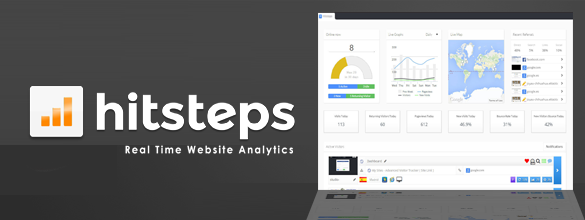
Create your Hitsteps site profile, copy your API key, and verify tracking.
Use the HTML tracking code guide for any custom site, static site, landing page builder, or platform that lets you edit a shared footer.