1
أنشئ حسابك أو افتحه
Register for Hitsteps, or log in if you already have an account. The setup takes less than a minute.
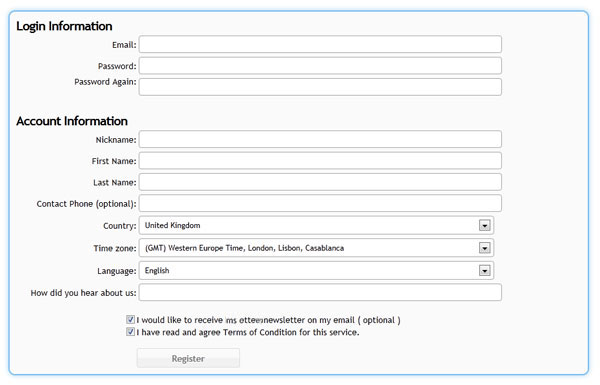
إعداد الحساب
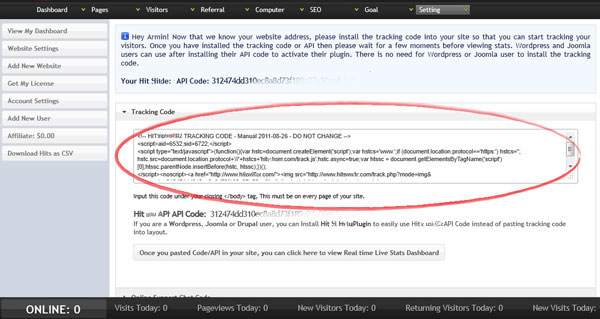
Plugins usually need your API key. Manual HTML installs need the full JavaScript tracking code. Both are available after you add a website to Hitsteps.
 Works for every platform
 Install guide
Register for Hitsteps, or log in if you already have an account. The setup takes less than a minute.
Enter the website name and URL. Hitsteps creates a site profile and assigns it an API key.
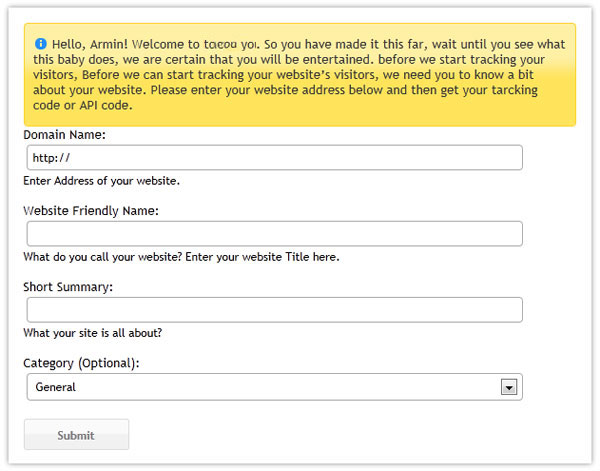
Use this API key for WordPress, Joomla, PrestaShop, the desktop apps, and other plugin-based installs.
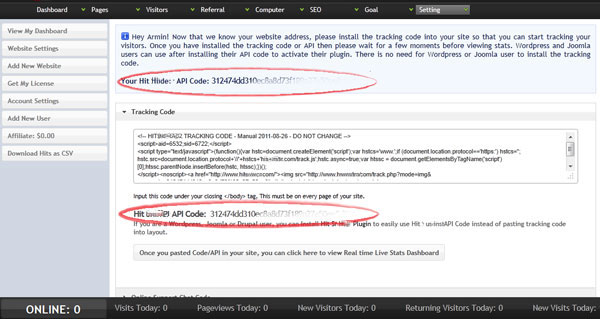
If your platform asks for HTML or JavaScript instead of an API key, copy the full tracking code from the same setup page.
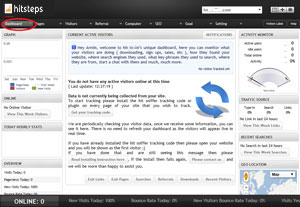
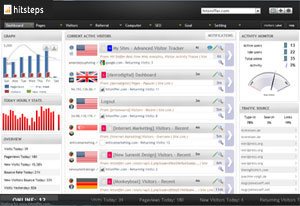
Open the Hitsteps dashboard, then visit your website in another browser tab. Once the code is installed correctly, your online visitor appears in real time.