1
Avaa laajennusten asennus
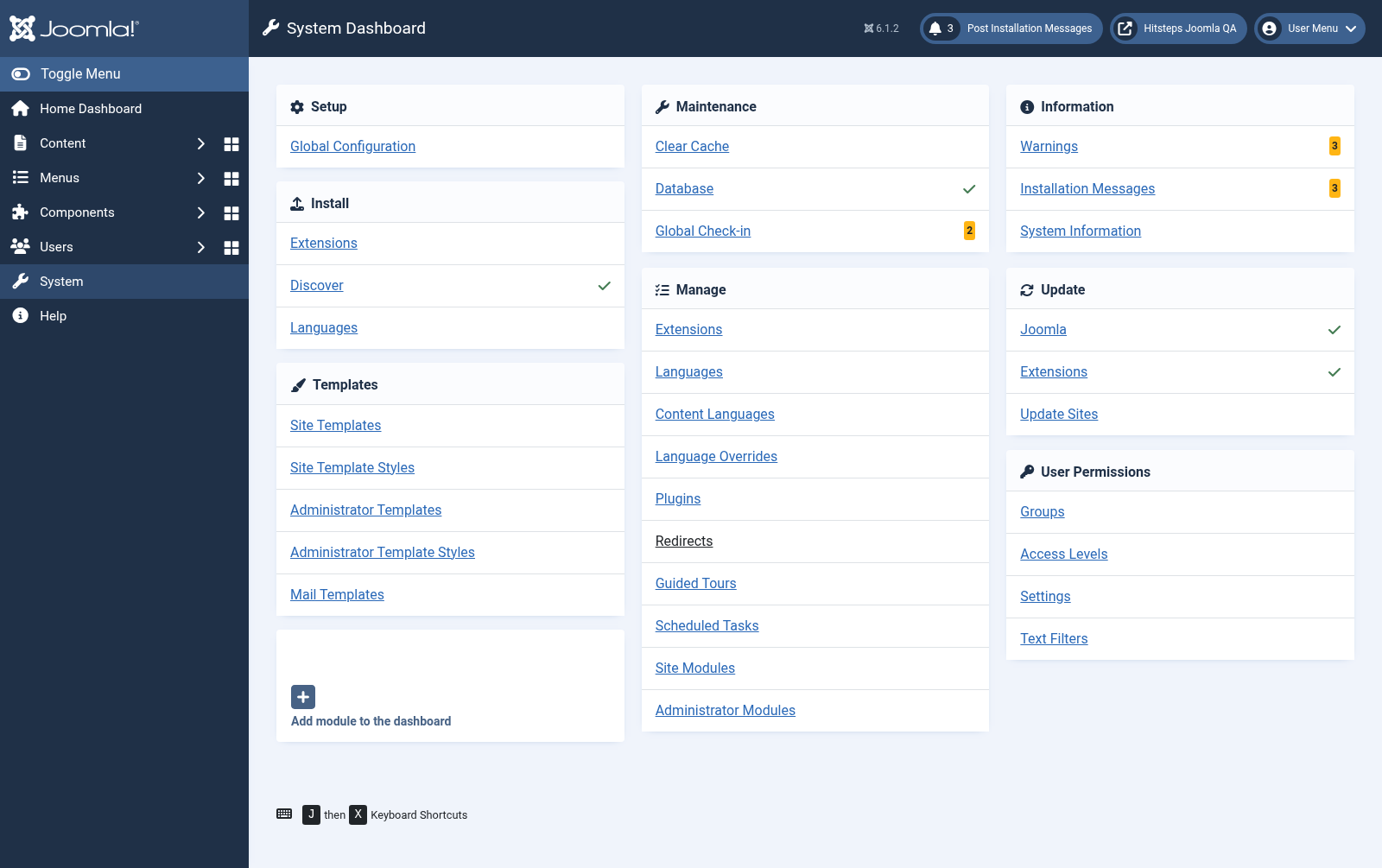
Avaa Joomla-ylläpidossa vasemmasta sivupalkista Järjestelmä. Valitse Asenna-kohdasta Laajennukset.
CMS-laajennus
The Joomla package includes the Hitsteps component, plugin, and modules. Version 3 uses native Joomla services and events, upgrades existing Hitsteps settings in place, and does not need a compatibility plugin.
 Joomla 5 and 6
 Guide version
This is the current guide for the native Joomla 5/6 extension. Joomla 2, 3, and 4 use the archived guide.
Avaa Joomla-ylläpidossa vasemmasta sivupalkista Järjestelmä. Valitse Asenna-kohdasta Laajennukset.
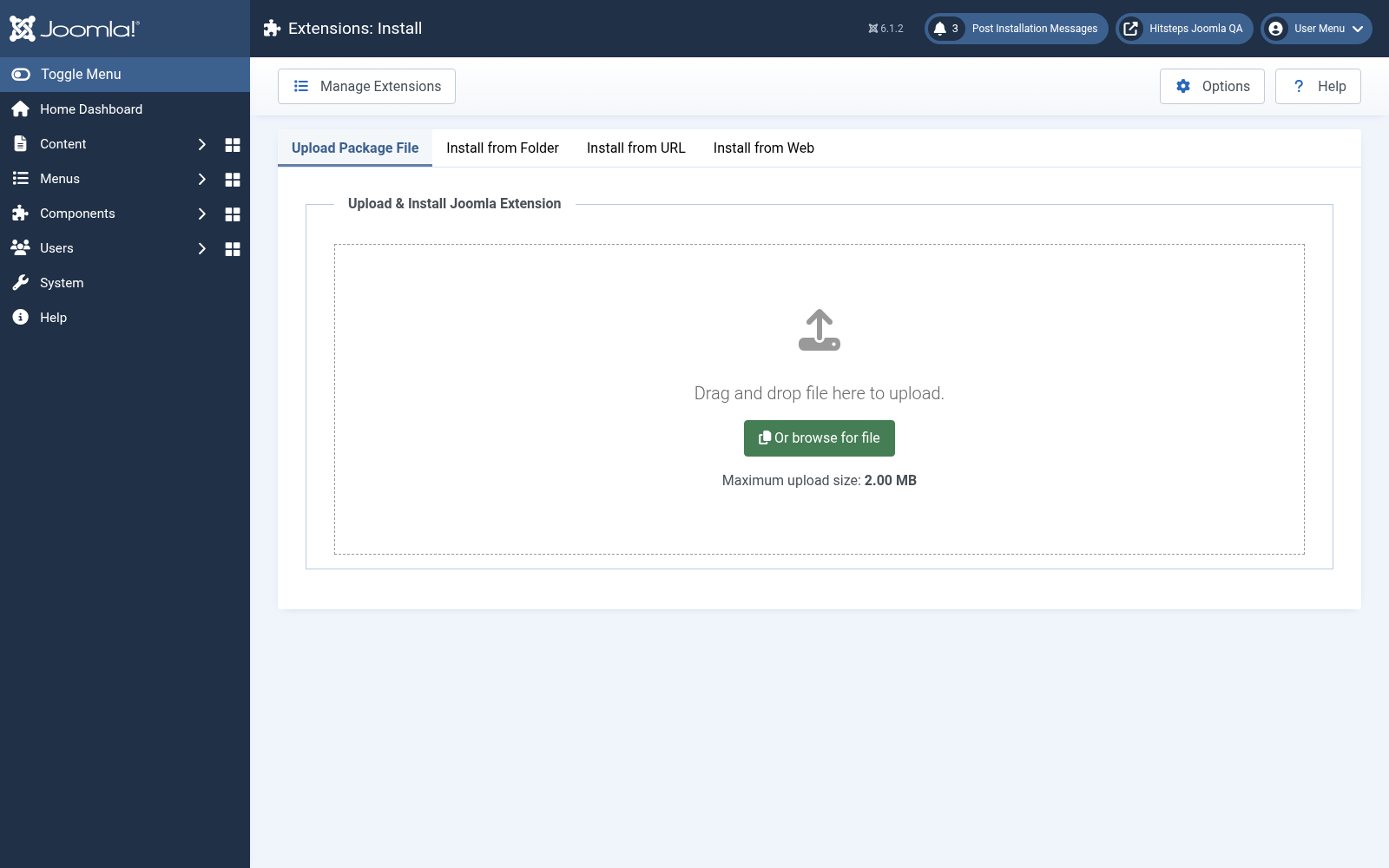
Pudota ladattu Hitsteps-laajennus latausalueelle tai valitse tiedosto käsin.
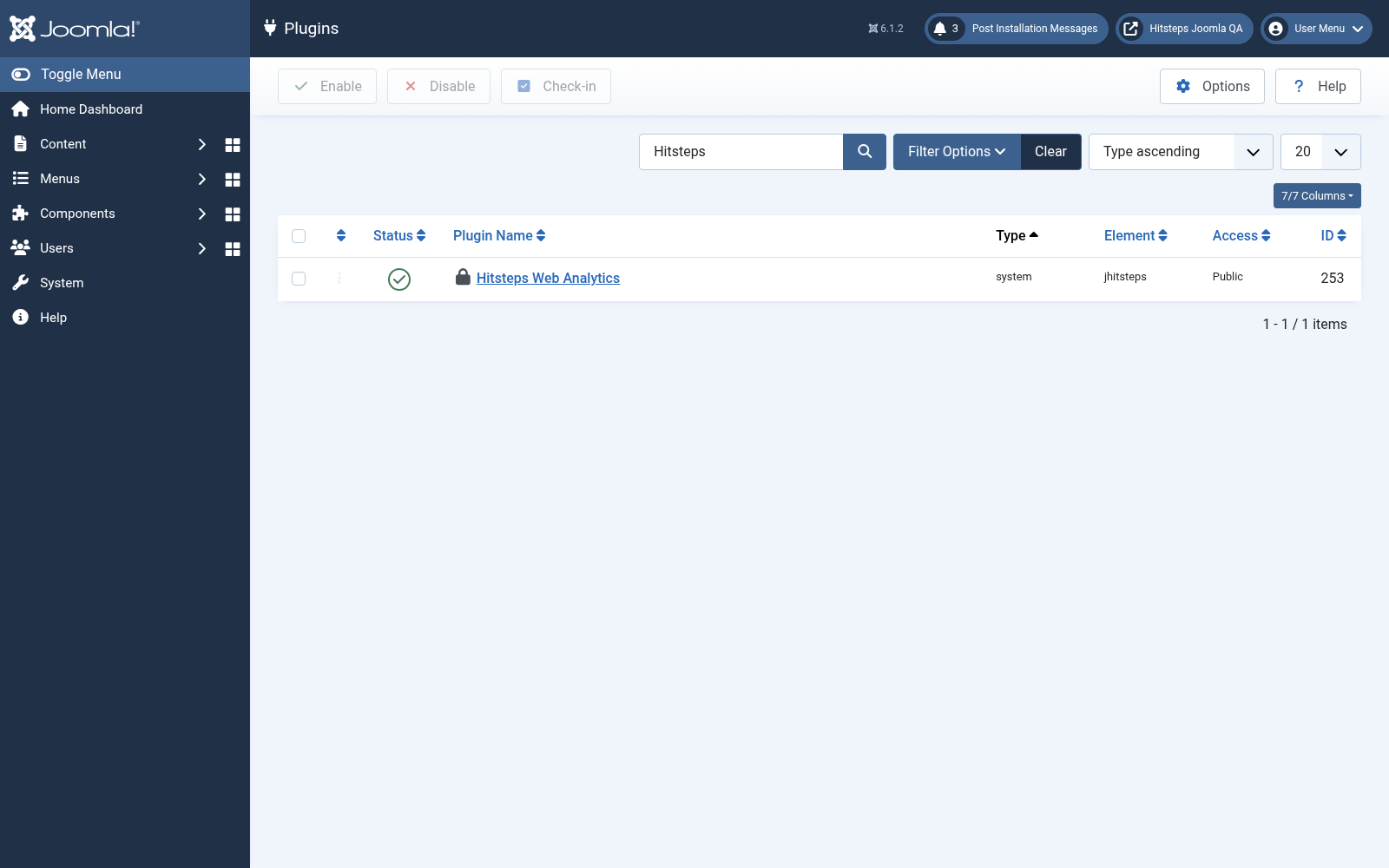
Kun asennus onnistuu, palaa kohtaan Järjestelmä ja avaa Hallinta-kohdan Lisäosat.
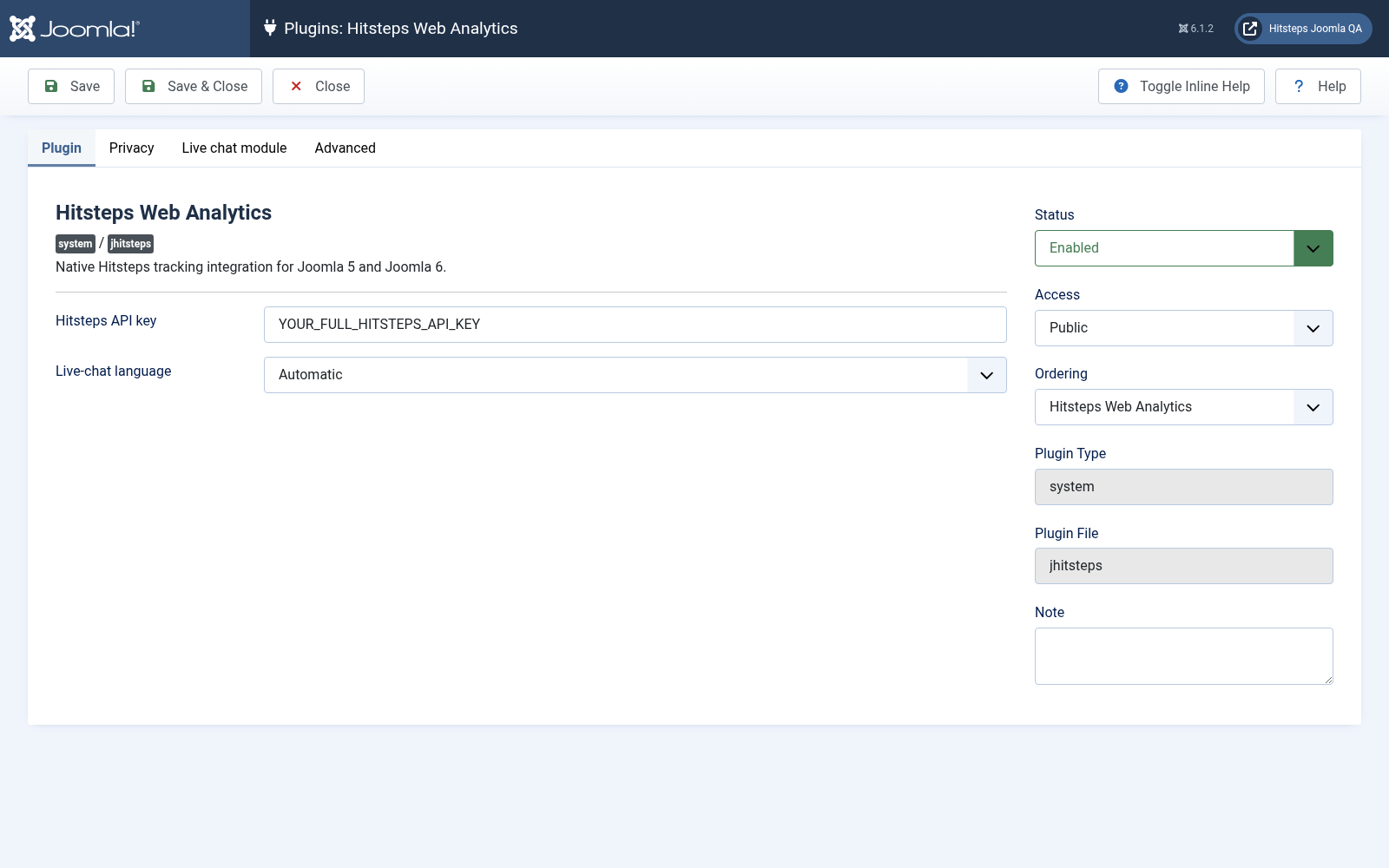
Find the Hitsteps plugin, paste your API key, enable the plugin, and save the changes.
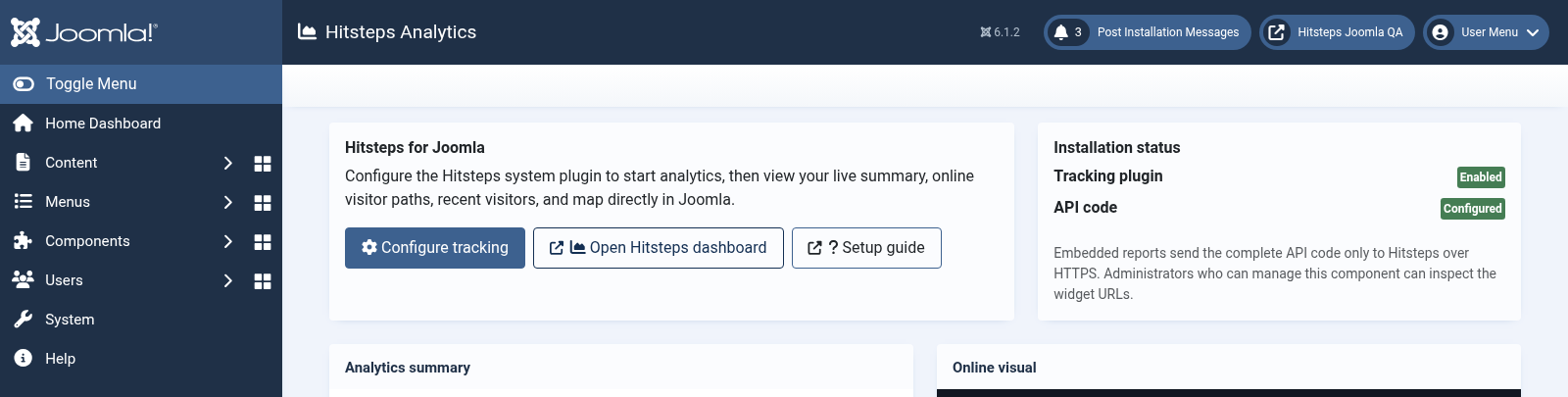
Open Components, then Hitsteps Analytics, to see the analytics summary, Online Visual, recent visitors, and visitor map. The same four widgets appear on the administrator dashboard.
Open your public website in another browser tab, then confirm that your visit appears in the Hitsteps live dashboard.
Create a current site and database backup before changing extensions.
Upload the new package without uninstalling v2.08 first. Joomla upgrades the existing component, plugin, and modules in place.
Open the Hitsteps plugin and confirm that the API key, language, privacy choices, and module assignments were preserved.
Disable Joomla compatibility plugins, clear cache, and verify the public site and administrator before removing your backup.
Open System, then Extensions under Manage, and search for Hitsteps Analytics Package.
Select the Hitsteps Analytics package and click Uninstall. Joomla removes its component, plugin, modules, media, and update-site records together.