1
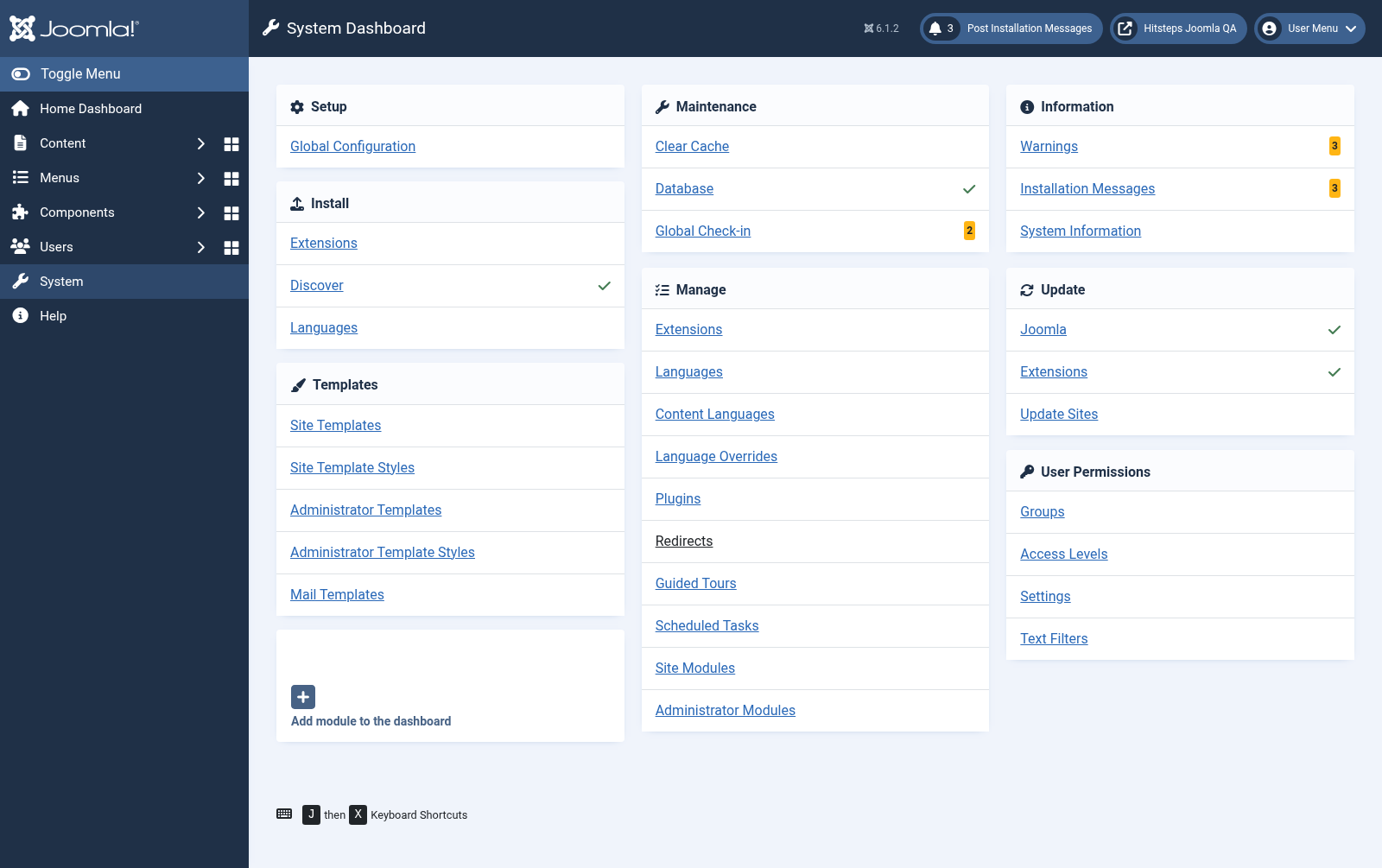
Buka pemasang sambungan
Dalam administrator Joomla, buka Sistem daripada bar sisi kiri. Di bawah Pasang, pilih Sambungan.
Sambungan CMS
The Joomla package includes the Hitsteps component, pemalam, and modules. Version 3 uses native Joomla services and peristiwa, naik taraf existing Hitsteps tetapan in place, and does not need a compatibility pemalam.
 Joomla 5 and 6
 Guide version
This is the current guide for the native Joomla 5/6 sambungan. Joomla 2, 3, and 4 use the archived guide.
Dalam administrator Joomla, buka Sistem daripada bar sisi kiri. Di bawah Pasang, pilih Sambungan.
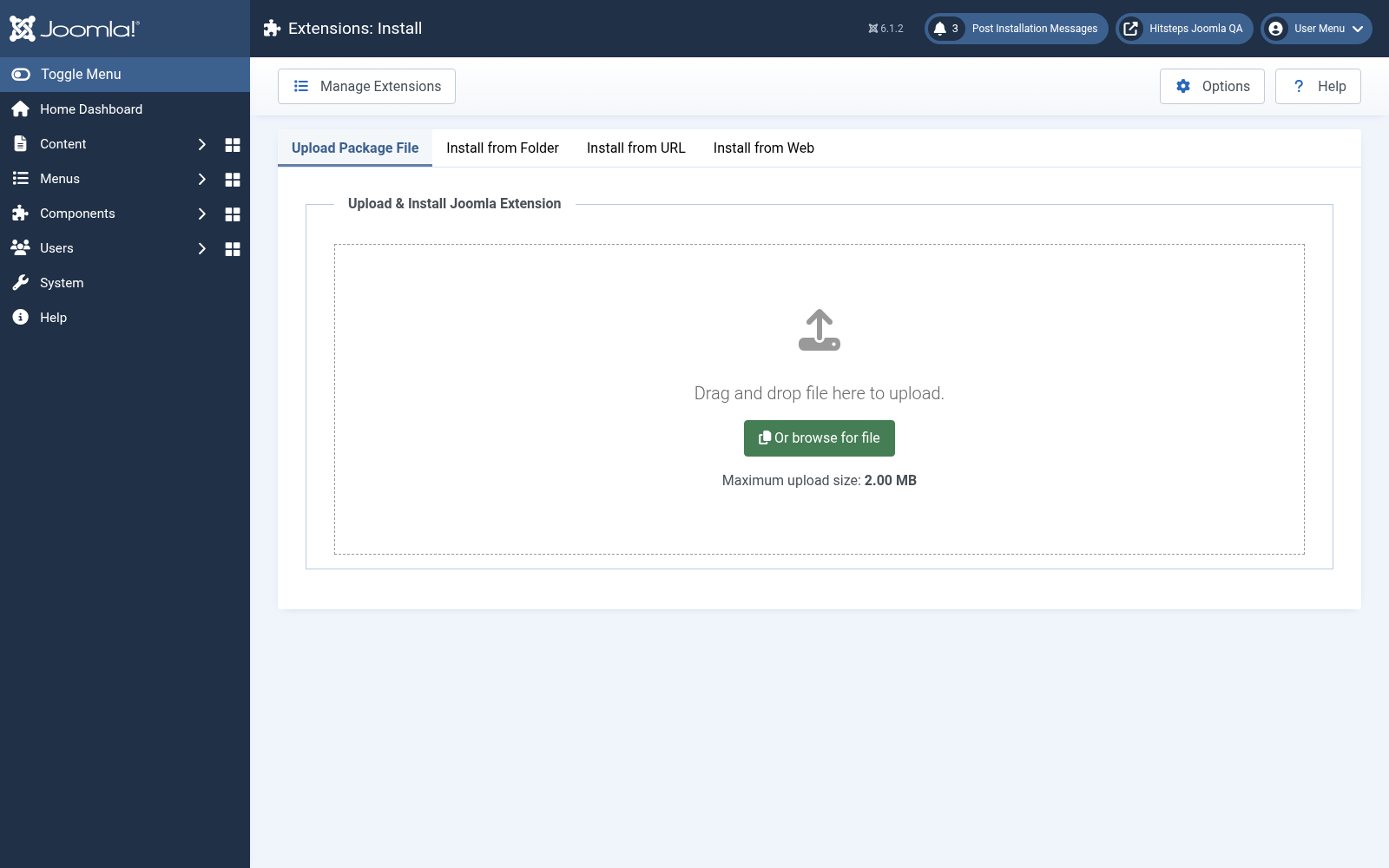
Letakkan sambungan Hitsteps yang dimuat turun ke kawasan muat naik atau pilih fail secara manual.
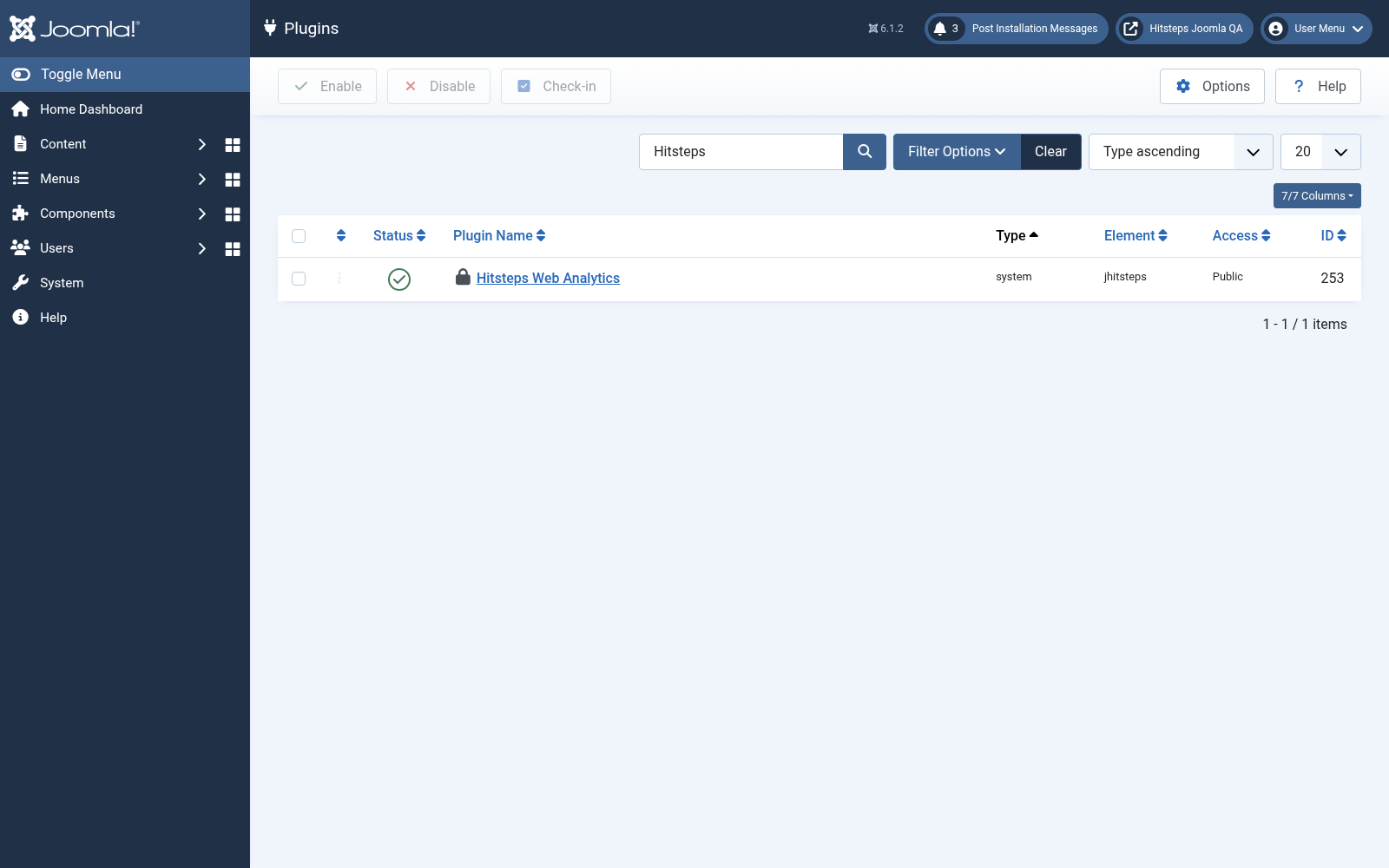
Selepas pemasangan berjaya, kembali ke Sistem lalu buka Pemalam di bawah Urus.
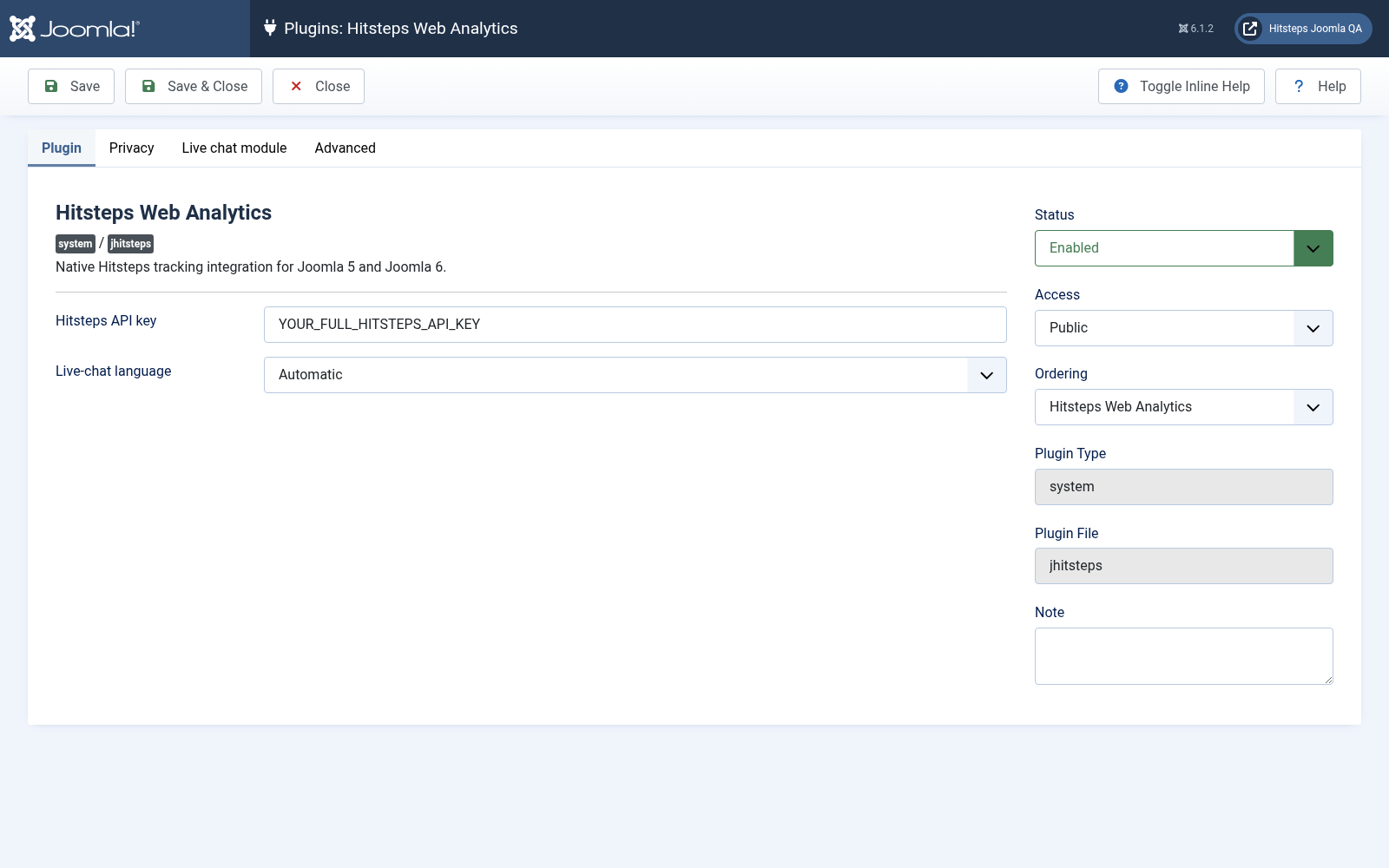
Find the Hitsteps pemalam, paste your API key, enable the pemalam, and save the changes.
Open Components, then Analitik Hitsteps, to see the analitik ringkasan, Dalam talian Visual, terbaru pelawat, and pelawat peta. The same four widgets appear on the administrator papan pemuka.
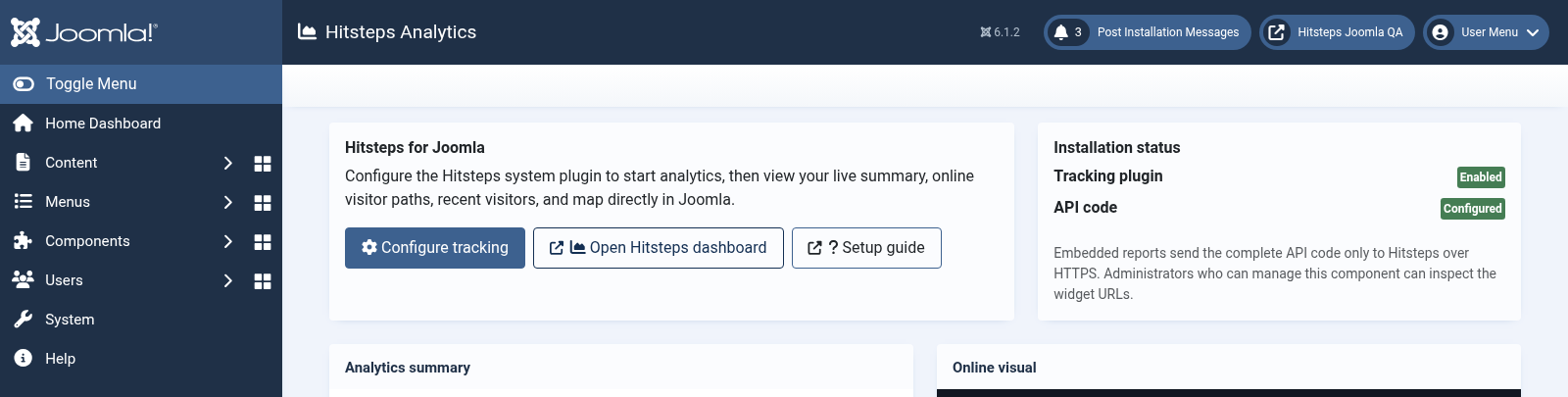
Open your public laman web in another pelayar tab, then confirm that your lawatan appears in the Hitsteps papan pemuka langsung.
Create a current laman and pangkalan data sandaran before changing sambungan.
Muat naik the new package without menyahpasang v2.08 first. Joomla naik taraf the existing component, pemalam, and modules in place.
Open the Hitsteps pemalam and confirm that the API key, bahasa, privacy choices, and module assignments were preserved.
Disable Joomla compatibility pemalam, clear cache, and verify the public laman and administrator before removing your sandaran.
Open System, then Sambungan under Manage, and carian for Analitik Hitsteps Package.
Select the Analitik Hitsteps package and klik Nyahpasang. Joomla removes its component, pemalam, modules, media, and update-laman rekod together.