1
สร้างหรือเปิดบัญชีของคุณ
Register for Hitsteps, or log in if you already have an account. The การตั้งค่า takes less than a minute.
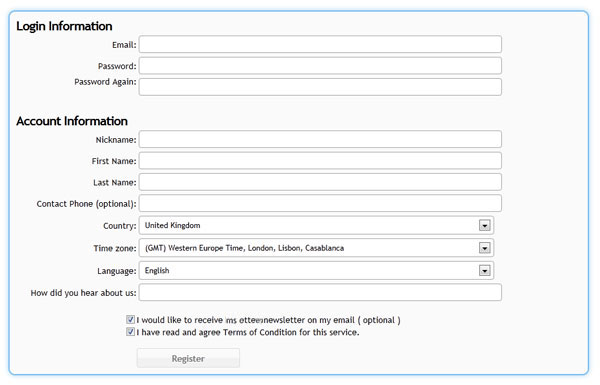
ตั้งค่าบัญชี
ปลั๊กอินมักต้องใช้ API key ของคุณ การติดตั้ง HTML ด้วยตนเองต้องใช้โค้ดติดตาม JavaScript แบบเต็ม ทั้งสองอย่างพร้อมใช้งานหลังจากคุณเพิ่มเว็บไซต์ใน Hitsteps
 ทำงานได้กับทุกแพลตฟอร์ม
 Install guide
Register for Hitsteps, or log in if you already have an account. The การตั้งค่า takes less than a minute.
Enter the website name and URL. Hitsteps creates a site โปรไฟล์ and assigns it an API key.
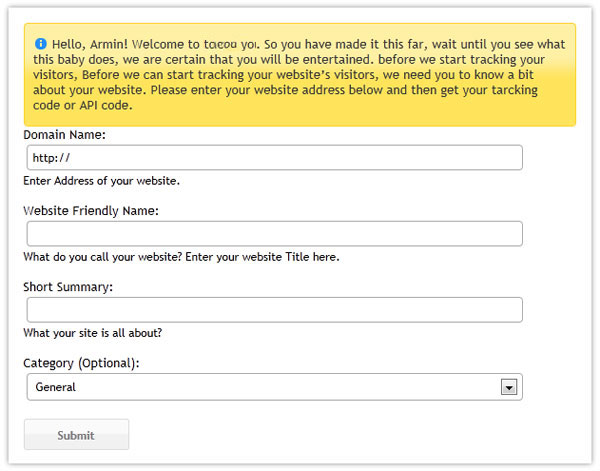
Use this API key for WordPress, Joomla, PrestaShop, the desktop แอป, and other ปลั๊กอิน-based installs.
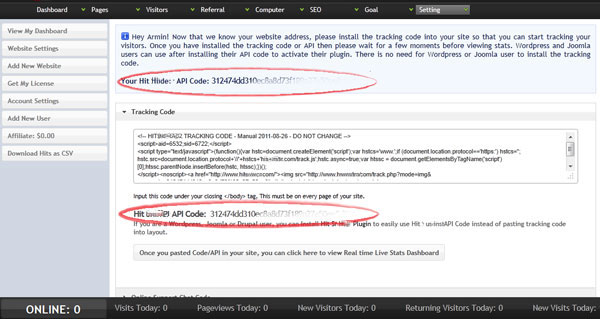
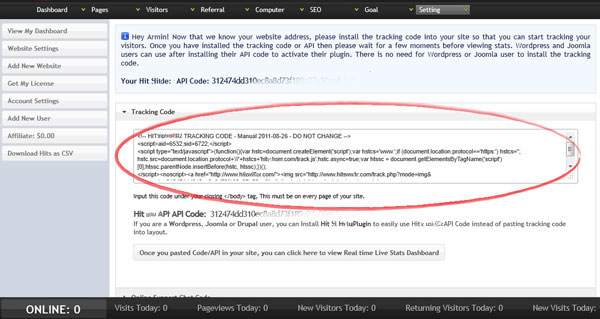
If your platform asks for HTML or JavaScript instead of an API key, copy the full โค้ดติดตาม from the same การตั้งค่า page.
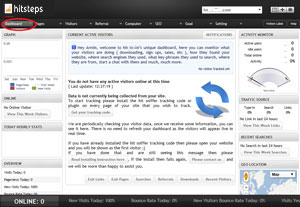
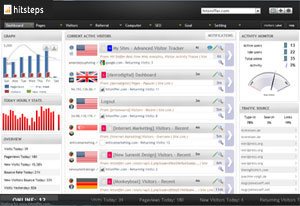
Open the Hitsteps แดชบอร์ด, then การเข้าชม your website in another เบราว์เซอร์ tab. Once the โค้ด is installed correctly, your ออนไลน์ ผู้เยี่ยมชม appears in real time.