1
Open Extensions installer
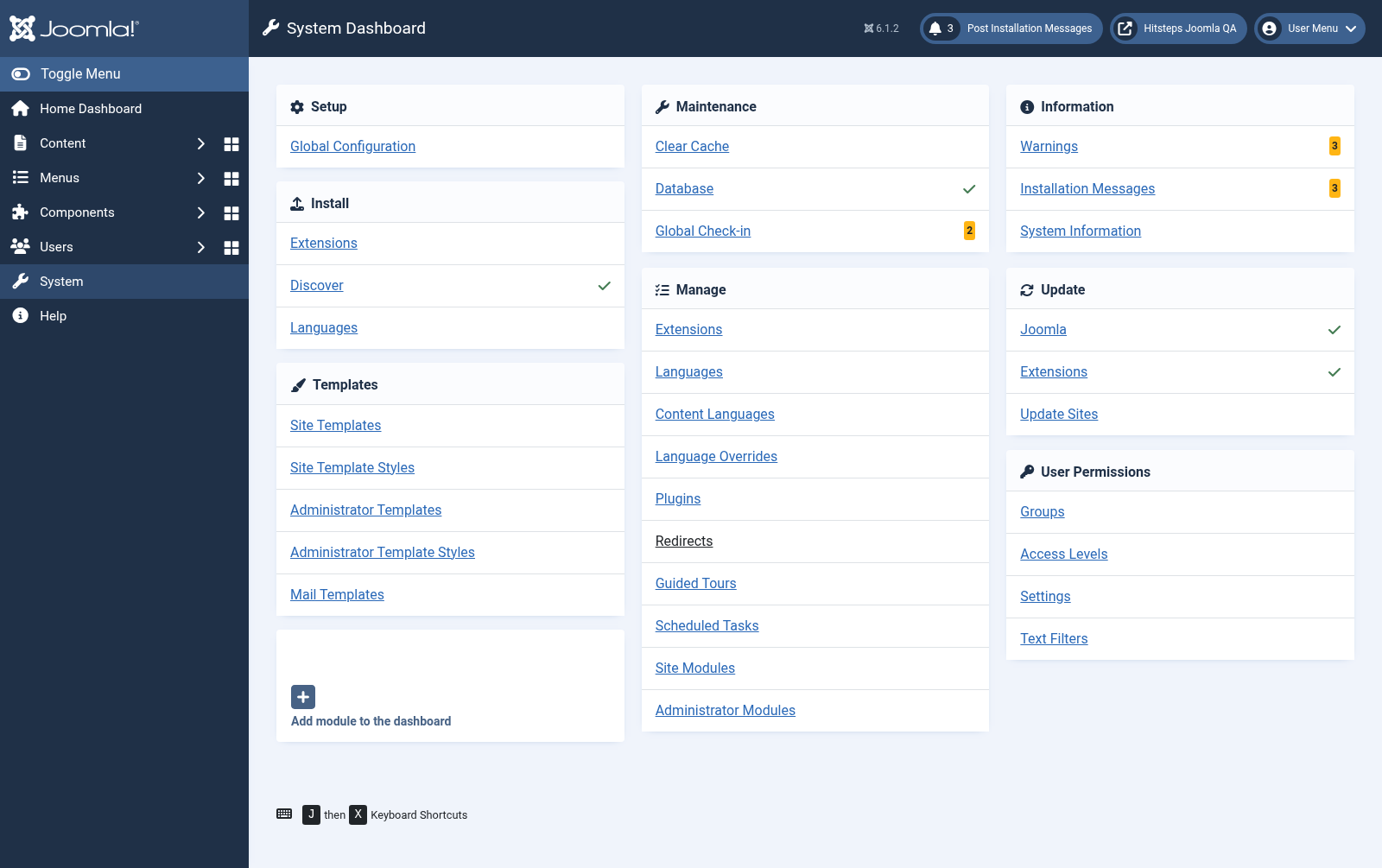
In Joomla administrator, open System from the left sidebar. Under Install, choose Extensions.
Extension CMS
The Joomla package includes the Hitsteps component, ปลั๊กอิน, and modules. Version 3 uses native Joomla services and เหตุการณ์, อัปเกรด existing Hitsteps settings in place, and does not need a compatibility ปลั๊กอิน.
 Joomla 5 and 6
 Guide version
This is the current guide for the native Joomla 5/6 extension. Joomla 2, 3, and 4 use the archived guide.
In Joomla administrator, open System from the left sidebar. Under Install, choose Extensions.
Drop the downloaded Hitsteps extension into the upload area or choose the file manually.
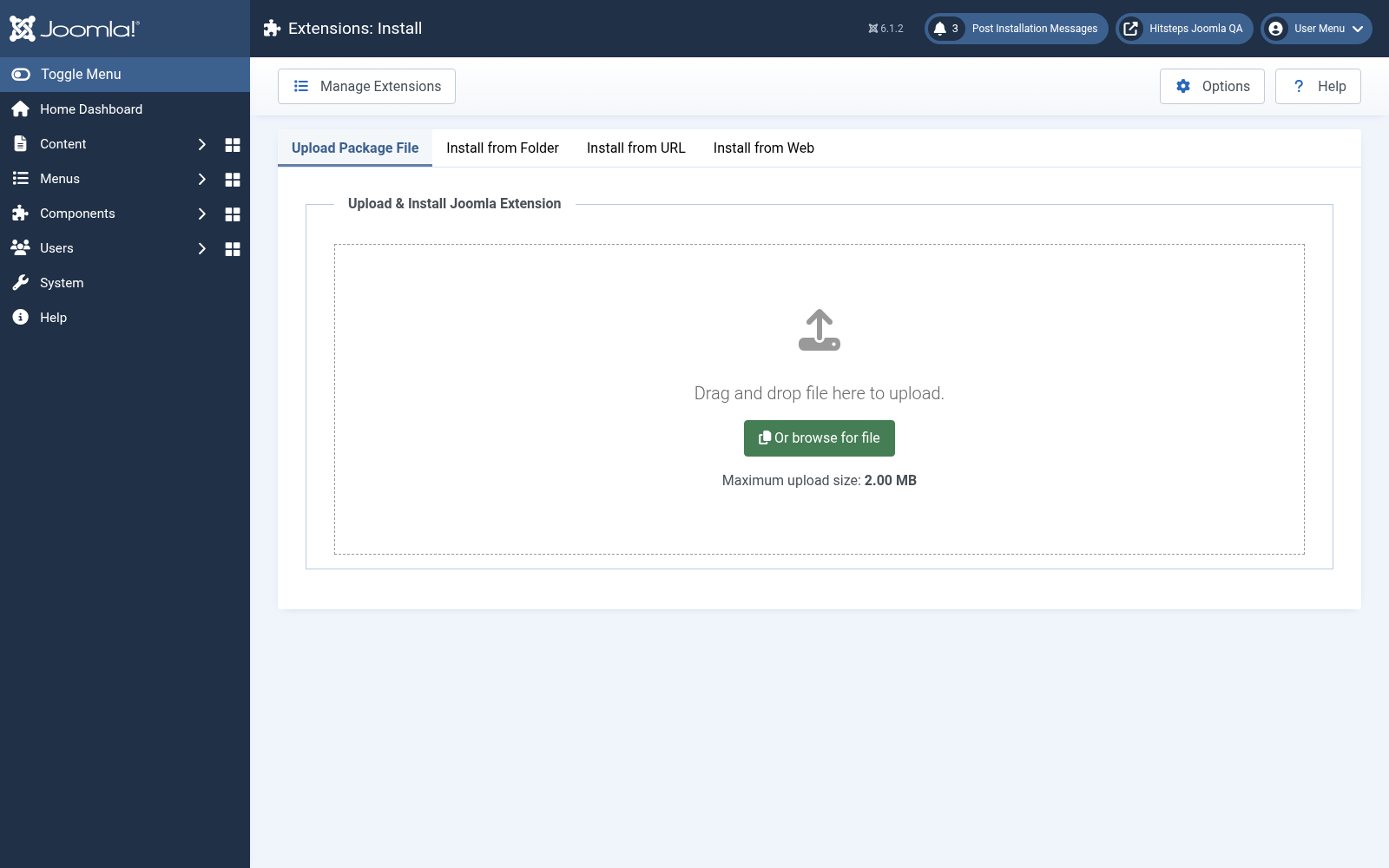
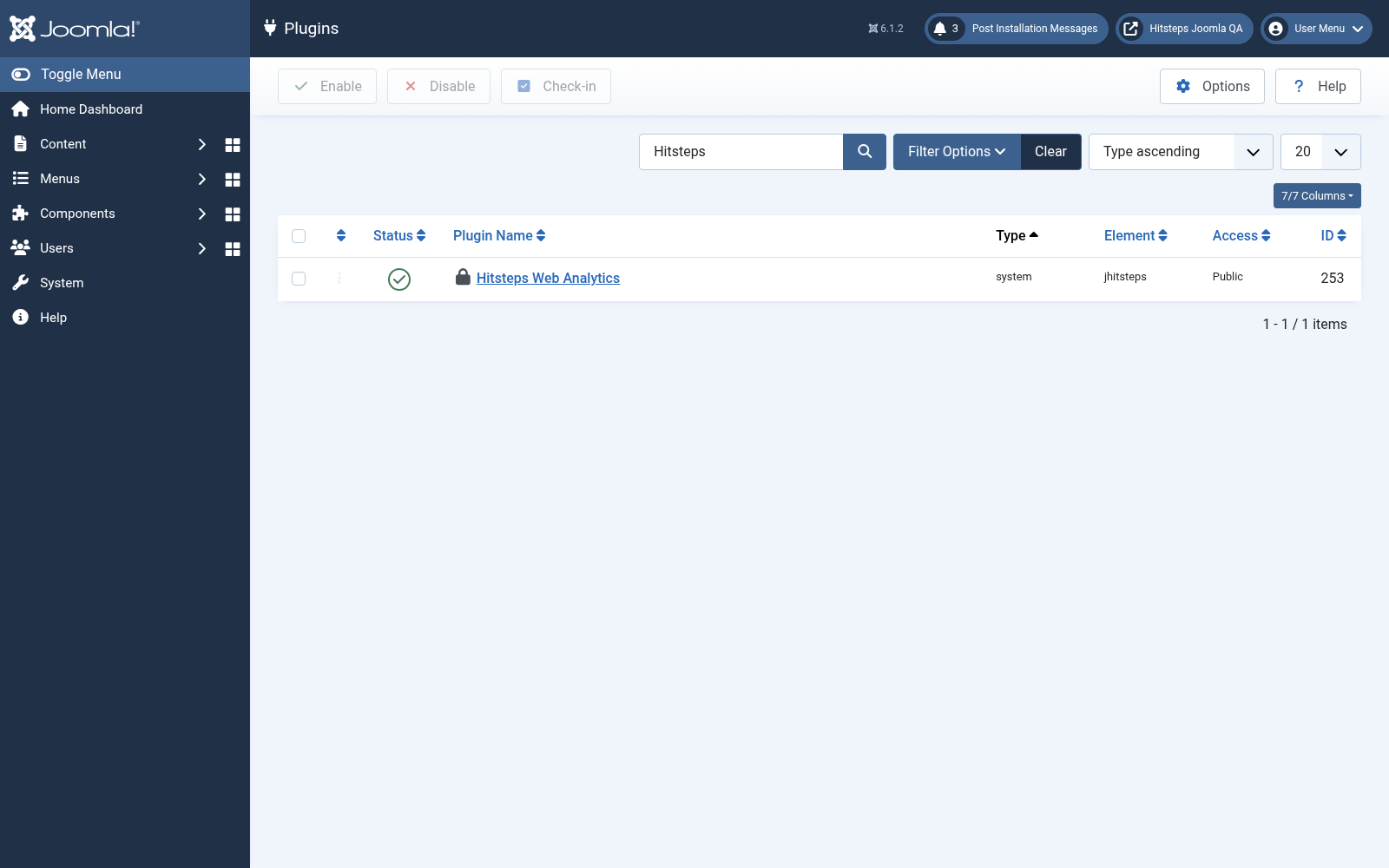
After installation succeeds, go back to System and open ปลั๊กอิน under Manage.
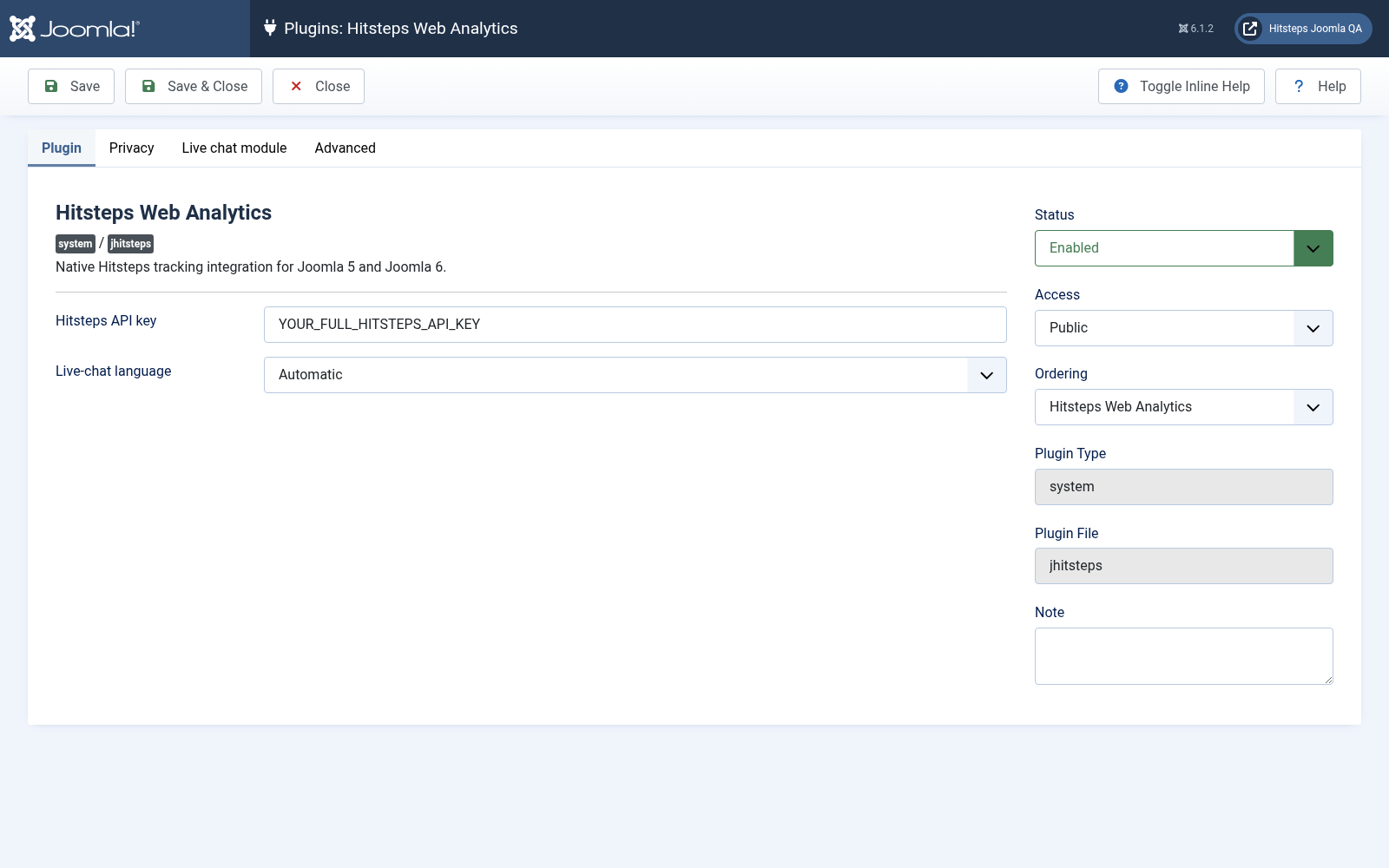
Find the Hitsteps ปลั๊กอิน, paste your API key, enable the ปลั๊กอิน, and save the changes.
Open Components, then Hitsteps แอนะลิติกส์, to see the แอนะลิติกส์ summary, ออนไลน์ Visual, recent ผู้เยี่ยมชม, and ผู้เยี่ยมชม map. The same four วิดเจ็ต appear on the administrator แดชบอร์ด.
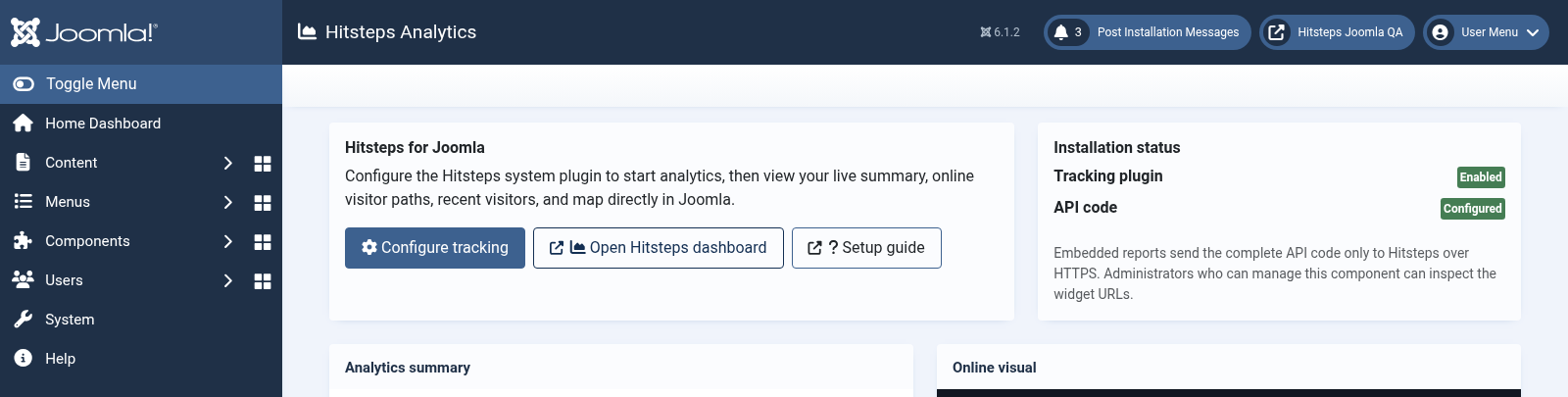
Open your public website in another เบราว์เซอร์ tab, then confirm that your การเข้าชม appears in the Hitsteps live แดชบอร์ด.
Create a current site and database สำรอง before changing extensions.
Upload the new package without uninstalling v2.08 first. Joomla อัปเกรด the existing component, ปลั๊กอิน, and modules in place.
Open the Hitsteps ปลั๊กอิน and confirm that the API key, language, privacy choices, and module assignments were preserved.
Disable Joomla compatibility ปลั๊กอิน, clear cache, and verify the public site and administrator before removing your สำรอง.
Open System, then Extensions under Manage, and search for Hitsteps แอนะลิติกส์ Package.
Select the Hitsteps แอนะลิติกส์ package and click ถอนการติดตั้ง. Joomla removes its component, ปลั๊กอิน, modules, media, and update-site ระเบียน together.