1
Hesabınızı oluşturun veya açın
Hitsteps'e kaydolun veya zaten bir hesabınız varsa giriş yapın. Kurulum bir dakikadan az sürer.
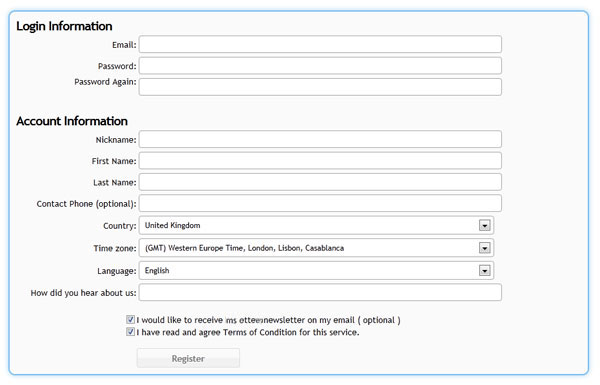
Hesap kurulumu
Eklentiler genellikle API anahtarınıza ihtiyaç duyar. Manuel HTML yüklemeleri, tam JavaScript izleme kodunu gerektirir. Her ikisi de Hitsteps'e bir web sitesi ekledikten sonra kullanılabilir.
 Her platform için çalışır
 Kurulum kılavuzu
Hitsteps'e kaydolun veya zaten bir hesabınız varsa giriş yapın. Kurulum bir dakikadan az sürer.
Web sitesi adını ve URL'sini girin. Hitsteps bir site profili oluşturur ve ona bir API anahtarı atar.
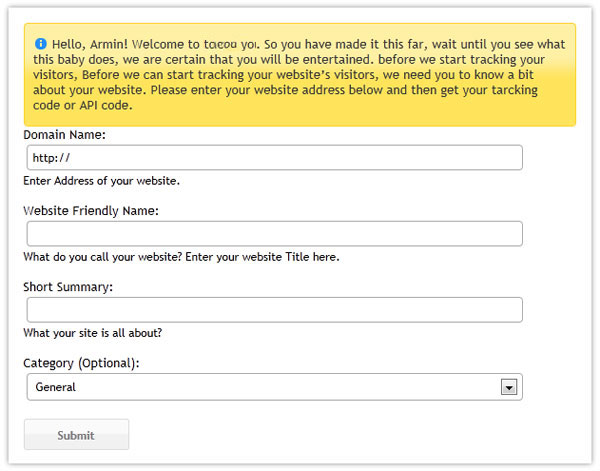
Bu API anahtarını WordPress, Joomla, PrestaShop, masaüstü uygulamaları ve diğer eklenti tabanlı kurulumlar için kullanın.
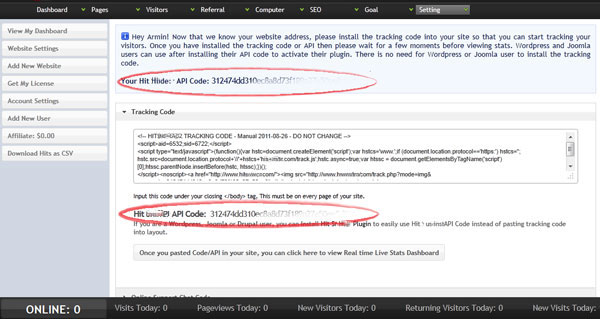
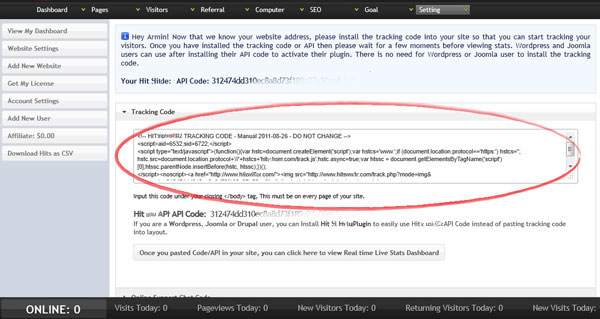
Platformunuz API anahtarı yerine HTML veya JavaScript isterse aynı kurulum sayfasından izleme kodunun tamamını kopyalayın.
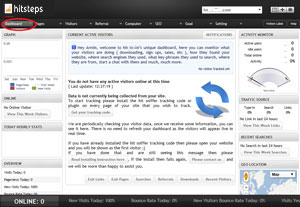
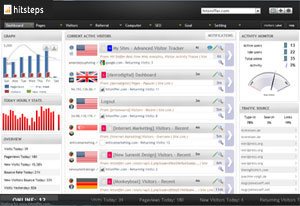
Hitsteps kontrol panelini açın, ardından web sitenizi başka bir tarayıcı sekmesinde ziyaret edin. Kod doğru şekilde yüklendikten sonra çevrimiçi ziyaretçiniz gerçek zamanlı olarak görünür.