Maintained for real websites
Hitsteps has kept evolving across website platforms, browser changes, analytics shifts, and store workflows.
Hitsteps answers the questions that start with your website: who is visiting, where did they come from and which pages need attention? Amplitude is a product analytics platform for what people do in an app: which features they adopt, where they drop out and what brings them back.
Start with a live visitor view on Free. Add chat from Starter at $4.99 a month and click heatmaps from Growth at $9.99. Amplitude also offers real-time analytics, heatmaps and session replay; the difference is the workflow your team needs.
Compare features and prices below, then follow the setup steps to check Hitsteps on your website.
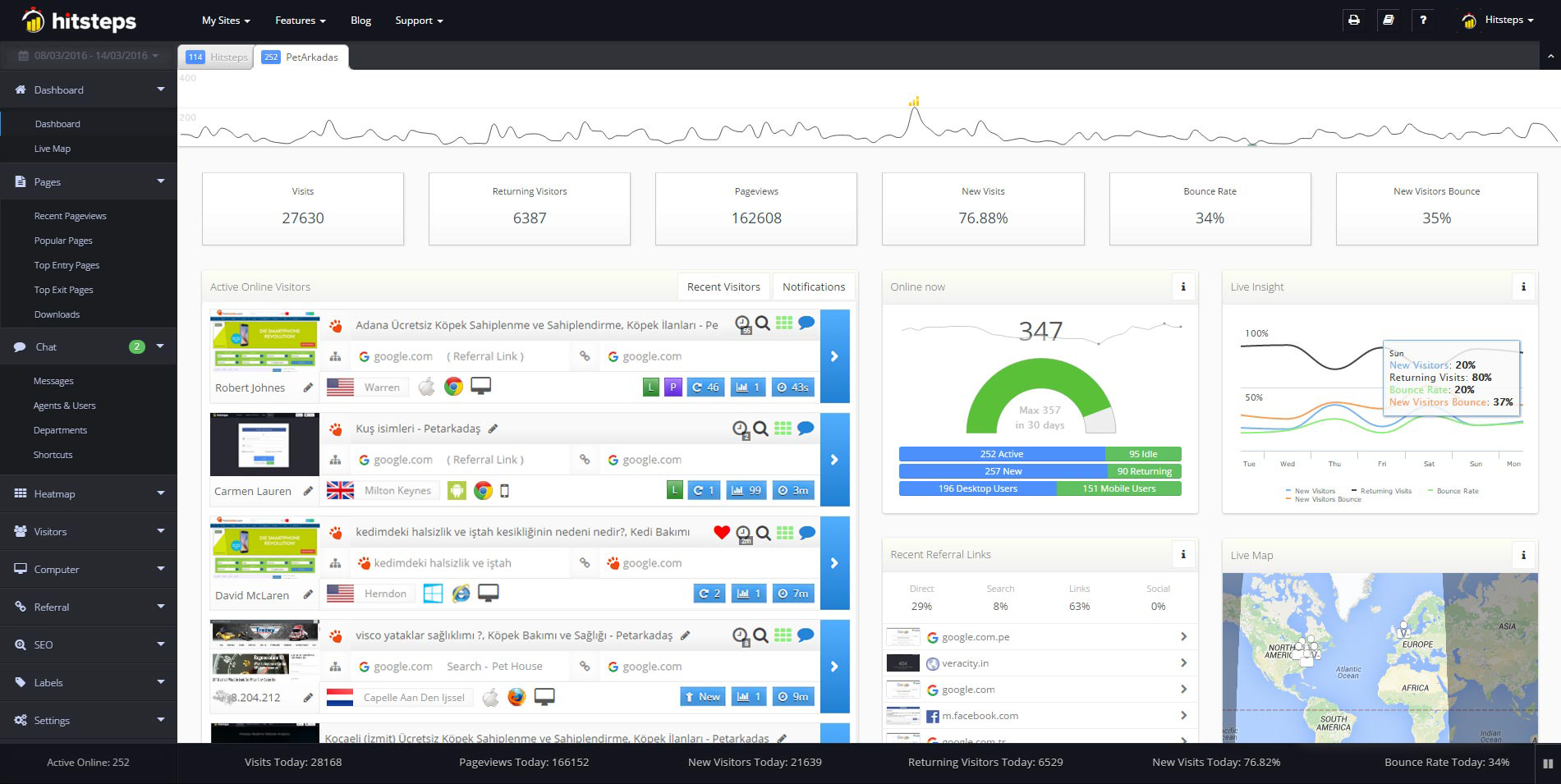
Use it when you need live visitor context, practical installation routes, and action tools around the traffic you already have.
4.4 on G2 (45 reviews) Some reviewers found the dashboard busy when many reports are open. The live overview is the quickest place to start, and the detailed data stays one click away.
Hitsteps has kept evolving across website platforms, browser changes, analytics shifts, and store workflows.
WordPress, Shopify, Wix, Google Tag Manager, HTML, CMS, commerce, browser, and desktop setup paths are documented from one hub.
Live dashboard, visitor profiles, heatmaps, chat, Segments, uptime, reports, and alerts stay connected after tracking is installed.

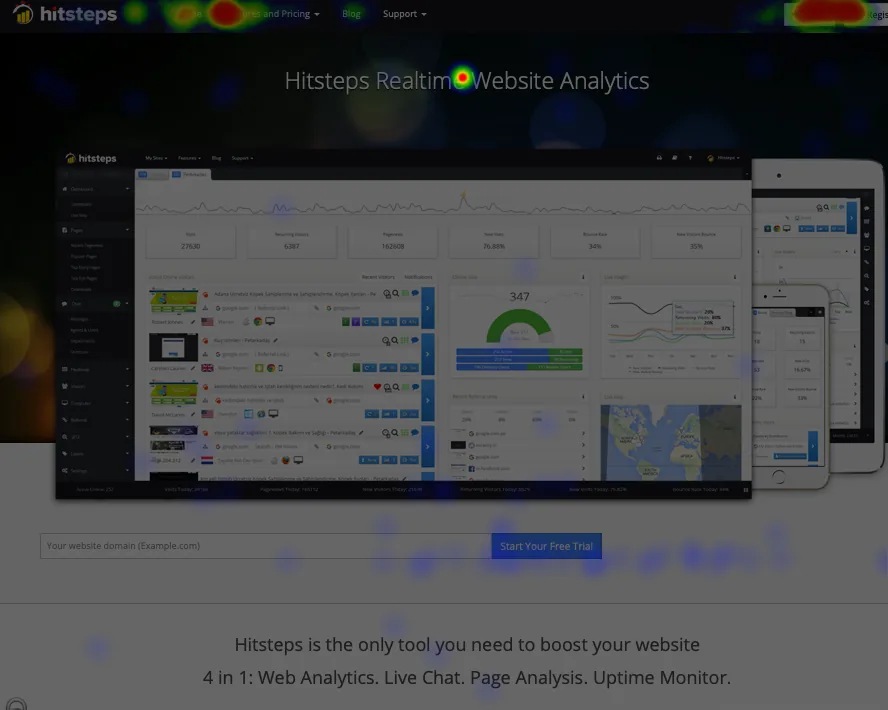

Choose Hitsteps when you want to monitor website traffic, inspect a live visit and chat from the same dashboard. It suits site owners and small teams who want website answers without making product analytics their daily job.
Amplitude lists product adoption, retention, behavioral cohorts, experiments and event analysis across an app. Its product analytics can start with a small code installation; custom analysis depends on collecting the right events. Amplitude Analytics.
| Need | Hitsteps | Amplitude |
|---|---|---|
| Live visitors as they browse | Yes: open an active visit and follow its page path as it happens. | Real-time data about users is listed as it happens in the product; a live per-visitor browsing view is not listed on its public pages (amplitude.com, checked 5 Nov 2026). |
| Click heatmaps | Yes, from the Growth plan. | Yes: Amplitude includes click heatmaps on its plans. |
| Live chat with visitors | Yes, from the Starter plan. | Not listed as a Amplitude feature. |
| Free plan | Yes: 1 site, up to 2,000 pageviews/month, 14 days of history. | Free plan: 2 million events a month forever, no credit card required (amplitude.com/pricing, checked 5 Nov 2026). |
| What you need | Hitsteps | Amplitude |
|---|---|---|
| Main workflow | Website traffic sources, live visitor details, Segments, goals, heatmaps and chat. Availability varies by plan. | Product behavior: event segmentation, funnels, retention, cohorts and experimentation, with real-time analytics. Amplitude Analytics. |
| Getting started | Create an account, add your site and paste its tracking code, or use the WordPress plugin. Open your site and watch your own visit arrive. | Start with its SDK or code installation. Automatic collection can provide a baseline; configure the events and properties that answer your product questions. Amplitude Analytics. |
| Goals and funnels | Goals from Starter; ordered funnels from Pro. Explore traffic with Segments and visitor details. | Funnels and retention analysis are core product workflows. Check plan limits for your team. Amplitude Analytics. |
| Click heatmaps | From Growth, $9.99 a month. Compare where visitors click with the traffic reaching that page. | Heatmaps are listed from Plus; Free includes 10,000 monthly session replays. Check the current plan details. Amplitude pricing. |
| Chat with a visitor | Live chat from Starter, $4.99 a month, alongside the live visitor view. | Its published platform focuses on analytics, replay, experimentation, guides, surveys and activation. Compare your visitor-support workflow separately. Amplitude pricing. |
| Free plan | $0: up to 2,000 pageviews a month, 1 site and 14 days of history. Live visitor view included; chat, goals and heatmaps require paid plans. | Free: 2 million events a month and 10,000 monthly session replays; no credit card required. Amplitude pricing. |
| Paid pricing | Monthly pageview plans include Starter $4.99, Growth $9.99, Pro $21.99 and Business $49.99, with higher-volume plans available. Features and limits depend on the plan. | Plus starts at $0 with the first 2 million monthly events free, then scales with events. Growth and Enterprise use custom event-based pricing. Plus requires a card. Amplitude pricing. |
Checked 26 Oct 2026 against Amplitude pricing and Amplitude Analytics. Events and pageviews are different units, so these allowances are not directly comparable. Check current vendor terms before choosing. Amplitude is a trademark of its owner. Hitsteps is not affiliated with or endorsed by Amplitude.
Hitsteps is built around the website visit: see who is on your site now, where they came from and which pages they open, then chat from Starter or check click heatmaps from Growth. It is an alternative for a website workflow, not a claim to replace the whole product analytics platform.
1. Sign in to your Hitsteps account and add your website. 2. Copy the tracking snippet generated for that site and paste it into your website, or use the WordPress plugin. 3. Open your website, return to the live visitor view and check that your visit arrives. The setup guide walks through the steps.
Example only. Copy the complete tracking code generated for your website in Settings.
<script async src="https://edgecdnplus.com/code?code=YOUR_SITE_CODE"></script>New accounts start with a 7-day Pro trial, no card needed. After the trial, stay on Free with a verified email and a site within the Free limits, or choose a paid plan. Chat starts on Starter; heatmaps start on Growth.
Also comparing product analytics? Read our Mixpanel comparison, or browse all analytics comparisons.
Comparing more than two tools? Read the Heap comparison, the PostHog comparison and the Woopra comparison.
For website traffic monitoring, yes. Hitsteps brings live visitor details, traffic sources, Segments and paid-plan chat and heatmaps together. Amplitude is a product analytics platform for adoption, retention and event analysis.
Yes. As checked on 26 Oct 2026, Amplitude Free includes 2 million events a month and 10,000 monthly session replays, with no card required. Hitsteps Free includes 2,000 pageviews a month, 1 site, 14 days of history and the live visitor view. Events and pageviews are different units.
Amplitude Plus starts at $0 with the first 2 million monthly events free, then scales by event volume; Growth and Enterprise use custom pricing. Hitsteps publishes pageview plans, starting at $4.99 a month for Starter and $9.99 for Growth. Compare the features and usage you need, rather than treating events as pageviews.
Not for every use case. Amplitude advertises a small code installation for initial analytics. More specific product questions depend on suitable event and property collection. For a Hitsteps website, copy its tracking code or use the WordPress plugin and check your own visit in the live view.
Yes. Keep your existing analytics while you add Hitsteps and compare the website workflow. New Hitsteps accounts get a 7-day Pro trial with no card. Metrics may differ because the tools use different definitions and collection settings.