Available organization context
See a company label when the network data available to Hitsteps supports one, while keeping uncertain or ordinary consumer connections distinct.
When available network data suggests that a visit came through a company connection, Hitsteps can place that organization signal beside the visitor journey. It gives B2B teams useful context without claiming to identify the individual person behind an anonymous visit.
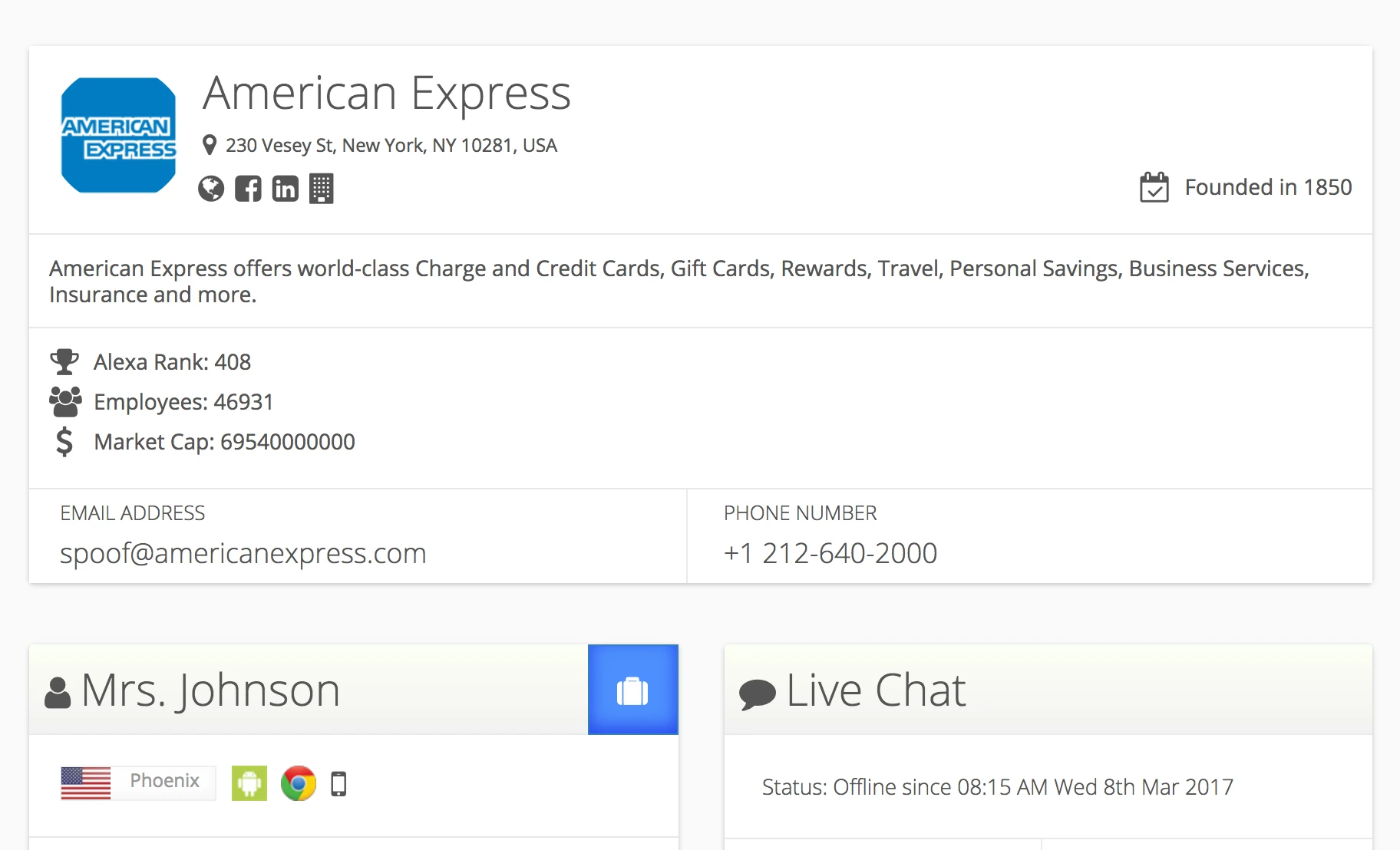
A company name is most useful when it remains connected to what happened on the website. Hitsteps lets teams evaluate the signal beside the source, landing page, viewed pages, device context, and other activity collected for the visit.
See a company label when the network data available to Hitsteps supports one, while keeping uncertain or ordinary consumer connections distinct.
Review the landing page, subsequent page path, referrer, campaign details, and tracked actions associated with the same visit.
Use an organization match to prioritize account research, then rely on direct forms, logins, or conversations for a known personal identity.
Use it when you need live visitor context, practical installation routes, and action tools around the traffic you already have.
Hitsteps has kept evolving across website platforms, browser changes, analytics shifts, and store workflows.
WordPress, Shopify, Wix, Google Tag Manager, HTML, CMS, commerce, browser, and desktop setup paths are documented from one hub.
Live dashboard, visitor profiles, heatmaps, chat, Segments, uptime, reports, and alerts stay connected after tracking is installed.



Company identification can make an otherwise anonymous visit more useful, but network ownership and employment are not the same thing. Shared offices, mobile networks, VPNs, service providers, and remote work can all affect the signal.
Add the Hitsteps tracking code to the site and confirm that a complete test visit appears before evaluating company signals.
Look for visits where the available connection data produces a company label rather than assuming every business visitor can be classified.
Compare the pages viewed, visit depth, source, campaign, and tracked actions to decide whether the visit shows relevant interest.
Use an appropriate form, login, purchase, or conversation to learn who the visitor is when they choose to identify themselves.
Notice possible visits from target organizations and compare their content interests with the accounts in an active campaign.
See which product, documentation, pricing, or case-study pages attract visits carrying useful organization context.
When a visitor starts a direct conversation, use the preceding journey and any available company signal as background rather than as a conclusion.
Clear answers about what this feature reports, how to use it, and where its limits are.
No. It may provide organization context for a network connection, but an anonymous visit does not automatically reveal a real person. A known identity requires information legitimately supplied through a form, login, purchase, chat, or approved integration.
Many visits use residential internet, mobile carriers, privacy services, VPNs, shared infrastructure, or networks that do not provide a reliable organization match. Hitsteps should only show the context supported by available signals.
Treat it as a reason to review account activity and content interest. Do not assume a particular employee visited; confirm interest and identity through normal, permission-based sales interactions.
Connect this report with the surrounding visitor, acquisition, and workflow context.
Create a free account, install the Hitsteps tracking code, and confirm your first visit before choosing the plan that fits your traffic and reporting needs.